Log In to ed111
Use your registered mobile number and password.
SSL encrypted · 18+ · Play Responsibly
Back on the pitch in seconds
The ed111 login page works on any device — mobile browser, desktop, or the ed111 app. Enter your Bangladesh mobile number, type your password, and you are in. The whole process takes under 20 seconds on a stable connection.
Once inside, you can bet on BPL and IPL matches, play live dealer tables from Evolution and Ezugi, spin slots, or head straight to cashier to deposit via bKash or Nagad. Minimum deposit is ৳500.
- SSL Encrypted
- 24/7 Support
- bKash & Nagad
- 18+ Only
The ed111 Login Walkthrough
Four short steps from opening the page to placing your first bet of the session.
-
1
Open the ed111 Login Page
Go to ed111.ws/ed111-login/ in your mobile browser or tap the Login button in the ed111 app. The page loads over HTTPS, so your data is encrypted from the first keystroke. On slow connections (3G or low signal), the page still loads in a few seconds because it carries no heavy scripts.
-
2
Enter Your Registered Mobile Number
Type the Bangladesh mobile number you used when you created your ed111 account — typically an 11-digit number starting with 01. The field uses
inputmode="tel", so your phone keyboard switches to the number pad automatically. Do not add +88 or spaces; just the digits. -
3
Type Your Password and Tap Log In
Enter your case-sensitive password. Use the eye icon on the right to reveal characters if you are unsure of your input. If you are on a personal device, tick "Remember me" so the browser pre-fills your credentials next visit. Tap the blue "Log In" button — the session opens within 1–2 seconds.
-
4
Land on Your Dashboard and Play
After a successful ed111 login you land on your personal dashboard. From there you can go directly to live cricket odds, the casino lobby (over 5,800 games), deposit via bKash or Nagad (minimum ৳500), or check your bonus balance. The session stays active for 24 hours unless you log out manually.
Login Problem Troubleshooter
If your ed111 login attempt fails, the table below maps the error message or symptom to its most likely cause and the fastest fix.
| Problem | Likely Cause | Fix |
|---|---|---|
| "Incorrect password" error | Password entered with wrong case or a copy-paste space at the end | Tap the eye icon to view the characters. Retype manually without copying from a message thread. If the issue persists, use the Forgot Password flow to set a new one. |
| "Account not found" or blank error | Mobile number not registered, or typed with incorrect prefix | Check that you are entering the number you used at registration — no country code (+880 or +88). If you have never created an account, register first. If you are certain the number is correct, contact live chat. |
| Account temporarily locked | Too many failed login attempts in a short period | Wait 15 minutes, then try again. During this time, do not keep attempting — each failure resets the timer. Use the password recovery option if you are unsure of the correct credentials. |
| Page does not load / blank screen | Poor mobile data connection or DNS issue with ISP | Switch from mobile data to Wi-Fi (or vice versa). Try a different browser — Chrome or Firefox on Android both work well. Clear the browser cache (Settings → Privacy → Clear Browsing Data) and reload. |
| OTP / verification code not arriving | Network delay, full SMS inbox, or wrong number stored | Check that your SIM card is active and has signal. Wait up to 3 minutes for the SMS. If still nothing, request a resend once. Contact support at [email protected] if the problem continues after two attempts. |
| Login works but balance shows ৳0 | Cache showing stale data, or deposit still processing | Pull to refresh the wallet screen or log out and log back in. Deposits via bKash or Nagad typically reflect within 6 minutes. If your deposit was made more than 15 minutes ago and still shows ৳0, send the transaction receipt to live chat. |
ed111 support is available 24/7 via Live Chat inside the app or on the website. You can also email [email protected] with a screenshot of the error message for the fastest resolution.
Keeping Your ed111 Account Safe
Five practical habits that protect your balance and personal details.
Use a Strong, Unique Password
Create a password with at least 8 characters, mixing letters, numbers, and a symbol. Do not reuse the same password from your bKash account or email. A password manager (built into Chrome or Samsung Browser) can generate and store one securely.
Log Out on Shared Devices
If you log in on a friend's phone or a cyber café computer, always tap "Log Out" when you are done. The "Remember me" checkbox saves your session — useful on your own phone, risky on shared hardware. Clear the browser history afterwards as an extra step.
Avoid Public Wi-Fi for Login
Open or shared Wi-Fi networks (shops, buses, airports) can be monitored. Use your personal mobile data connection when logging in. The ed111 login page uses HTTPS encryption, but a compromised network router can still intercept unprotected requests before they reach the server.
Check the URL Before Typing
Phishing pages copy the look of a login form exactly. Always confirm the address bar shows ed111.ws before entering your password. If you reached the page via a WhatsApp or Telegram link, double-check the domain. Bookmark the official URL for quick safe access.
Update the ed111 App Regularly
The latest version of the ed111 app (v2.3.5, released 2026-11-03) includes security patches alongside new features. Outdated versions may have known vulnerabilities. Enable automatic updates in your phone settings, or check the ed111 App page to download the newest APK directly. The app is free and requires Android 7.0 or higher.
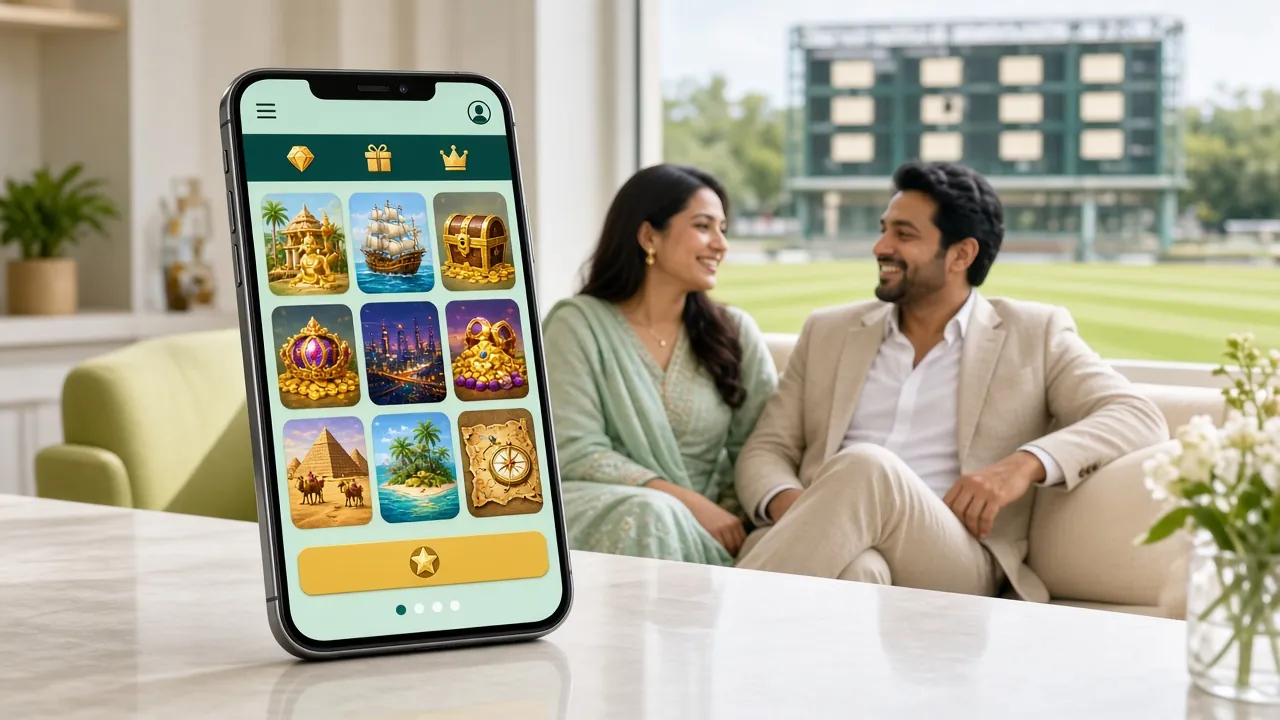
Log In Anywhere — Match Night or Morning Commute
Whether you are at the stadium watching a T20 or on the bus during a morning commute, the ed111 login page is built for one-handed use on a small screen. The form is simple: phone number, password, tap Log In.
For the smoothest experience during peak match hours (BPL evening sessions, IPL nights), use the ed111 mobile app — it loads the session faster than a browser and keeps your session active in the background.
Get the ed111 AppThree Ways to Log In — Which One Suits You?
ed111 supports three login routes. The table compares speed, convenience, and best use case for each option.
| Login Method | How It Works | Speed | Best For |
|---|---|---|---|
| Mobile Number + Password | Enter your 11-digit BD number and password on the web login page. | Fast | Desktop browsers, any device without the app installed. |
| ed111 Android App | Tap the app icon, the form pre-fills if "Remember me" was ticked, tap Log In. | Fastest | Daily users, match-night betting, quick session resume. Requires Android 7.0+. |
| Mobile Browser (PWA) | Open ed111.ws in Chrome or Firefox, add to home screen for near-app speed. | Medium | Players who prefer not to install an APK but still want a fast mobile login. |
All three methods connect to the same account, same balance, and same active bonuses. Switching between them does not affect your session or wagering progress.
Recovering a Forgotten Password
If you cannot remember your password, three steps get you back in without contacting support.
-
1
Tap "Forgot Password?"
On the ed111 login form, tap the "Forgot password?" link below the password field. You are taken to the password-reset page. Enter the mobile number registered to your account — this must match exactly what you used when you signed up.
-
2
Enter the SMS Verification Code
ed111 sends a one-time code (OTP) to your registered number via SMS, usually within 60 seconds. Enter it in the verification field. The code expires after 5 minutes, so act promptly. If the SMS does not arrive, check that your SIM is active and request a resend once before contacting support.
-
3
Set a New Password and Log In
Type your new password twice to confirm. It must be at least 8 characters. Tap "Save Password" and you are redirected to the ed111 login page. Enter your mobile number and the new password to complete the ed111 login. All existing balance and bonus data is preserved — the reset only changes the credentials.
ed111 Login — Common Questions
Quick answers to questions players ask most about logging in and managing their ed111 account.
What do I do if the ed111 login page says my account is blocked?
An account block usually means too many failed login attempts or a security flag on the account. Wait 15 minutes and try once more with the correct password. If the block persists, contact ed111 support via 24/7 Live Chat or email [email protected]. Have your registered mobile number ready. The team can verify your identity and restore access after confirming it is your account. Do not create a second account to bypass a block — that violates the terms.
Can I log in to ed111 from two devices at the same time?
Yes, ed111 allows concurrent sessions. You can be logged in on your phone and a desktop browser simultaneously without being kicked out. This is useful if you like to watch live stats on a laptop while placing bets on your mobile. That said, logging in from an unfamiliar device or location may trigger a security check, so keep your registered number accessible to receive any OTP.
Does ed111 support fingerprint or face unlock for login?
Biometric login (fingerprint or face ID) is available through the ed111 Android app v2.3.5. After your first successful password login on the app, you will be prompted to enable biometrics under Account Settings → Security. Once set, you just place your finger on the sensor to open your session. This feature is not available in the mobile browser version — only in the installed app on Android 7.0 and above.
How long does an ed111 login session stay active?
Your session remains active for 24 hours from your last action — clicking, betting, or navigating. If you close the browser tab and return within 24 hours, you are still logged in (provided you did not tick "Remember me" and clear cookies). After 24 hours of inactivity the session expires for security, and you need to log in again. The ed111 app keeps sessions slightly longer if the app stays running in the background.
I do not have an ed111 account yet. Can I still see the games?
Some game previews and live odds are visible without logging in, but you need a registered account to place bets, spin slots, or join live tables. Registration takes under 2 minutes: go to the ed111 Register page, enter your mobile number, choose a password, and verify via OTP. After that you can deposit as little as ৳500 via bKash or Nagad and start playing immediately. The welcome bonus applies to your first deposit.
Is the ed111 login process different when using the app versus a browser?
The credentials are identical — your registered mobile number and password work for both. The main difference is speed and convenience. The app stores your login state between sessions if "Remember me" is active, so you tap the icon and you are in. The browser clears cookies when you close a private/incognito tab, requiring a fresh login each time. For daily use during cricket season, the ed111 app download (41 MB, free) is the faster choice.